top of page

You can use http://fotoforensics.com to easily get meta data from a graphics file. It's recommended in Craig Ball's 2016 E-Discovery Workbook.

You simply select a file and click 'Upload File'. The harvested metadata will show among many, many other things, the device use to take the photo and the software used to edit it.

You'll also get specific information about how the file was edited in Photoshop:

 
 
  • May 21, 2017

Trying going to https://www.imagemagick.org/script/index.php and download a powerful graphics tool called Image Magick. Image Magick has many functions, but one of the funnest and most interesting is its compare tool which you can run from the Windows command prompt.

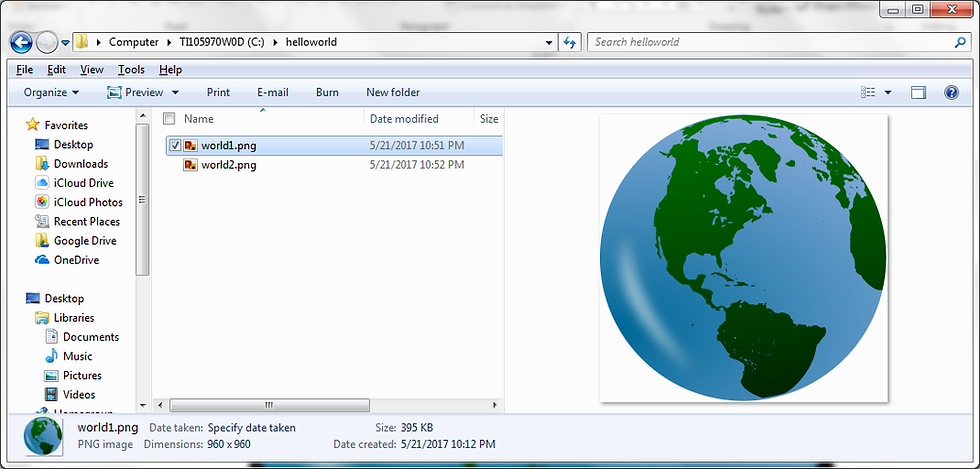
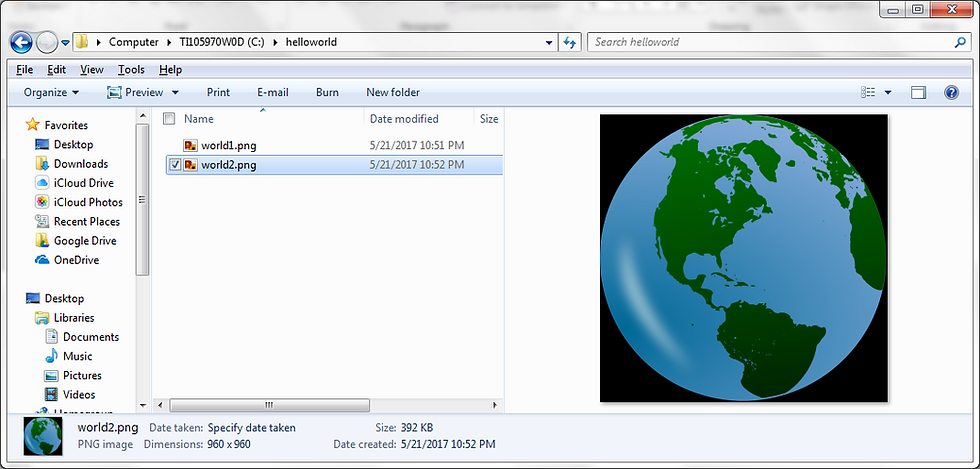
If you have two images with differences in content that you want to detect, as in these two examples:

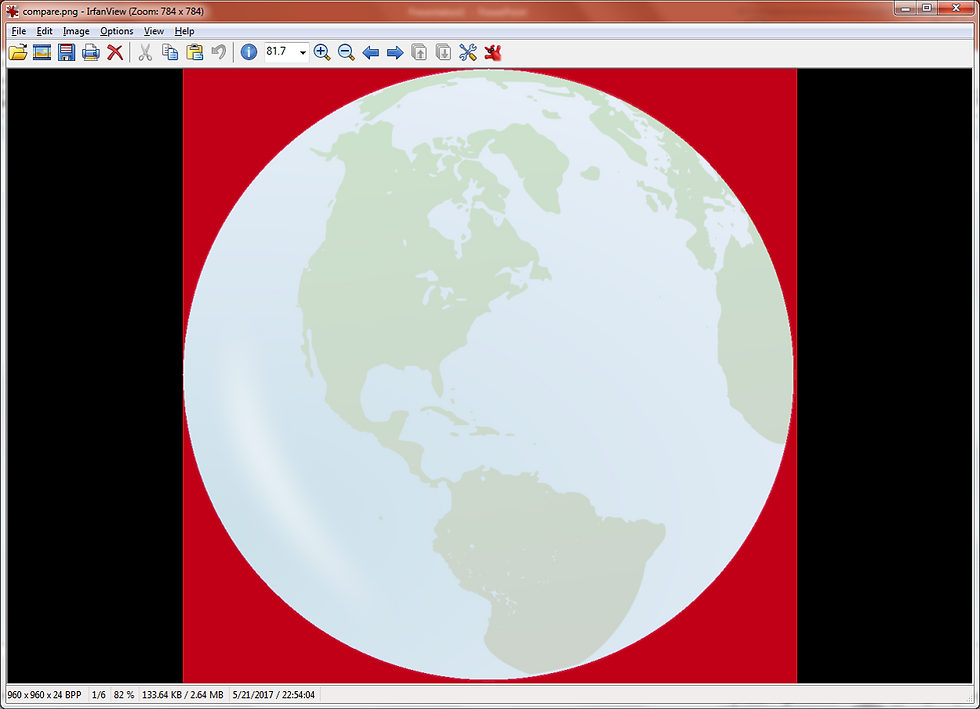
. . . you can use Image Magick's compare command to detect the difference. Hold down SHIFT + CTRL . . . and right click select 'Open command window here'. At the command prompt type magick before any of its commands. To detect the difference between two images you want to enter the application name 'magick' followed by the command 'compare', followed by the two files you are comparing, and ending with the name of new file to be generated that will show the difference.

. . . the resulting file with highlight in red the different between the first and second files.


  • Apr 18, 2017

You can download a free graphic file viewer for Windows at http://www.irfanview.com/ . The viewer contains a number of helpful features, allowing you to swap colors:

. . . [with the use of the free plug-in] create PDF images :

. . . and it also functions as a Hex editor.


Sean O'Shea has more than 20 years of experience in the litigation support field with major law firms in New York and San Francisco.   He is an ACEDS Certified eDiscovery Specialist and a Relativity Certified Administrator.

The views expressed in this blog are those of the owner and do not reflect the views or opinions of the owner’s employer.

If you have a question or comment about this blog, please make a submission using the form to the right. 

Your details were sent successfully!

© 2015 by Sean O'Shea . Proudly created with Wix.com

bottom of page